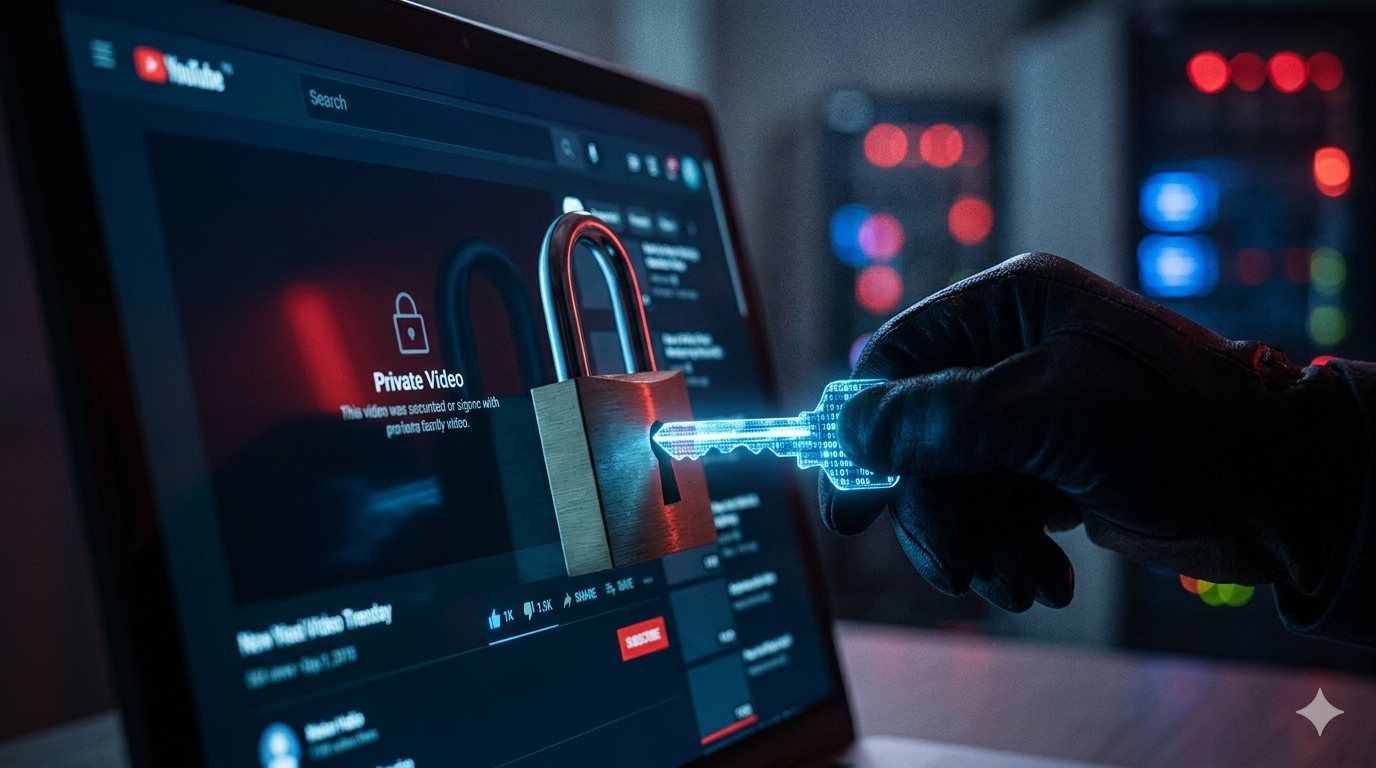
Private YouTube videos are hidden from public view, which means their content and images are protected by access settings. If you need to download private youtube thumbnails, the right approach depends on whether you own the video or have authorized access. In this guide, you’ll learn safe, legal, and creator-friendly ways to download private youtube thumbnails without violating privacy, copyright, or platform rules.
What Does Download Private YouTube Thumbnails Mean?
When users search for download private youtube thumbnails, they usually want to save the preview image from a video marked as private on YouTube. Private videos are only viewable by the owner and invited accounts, so thumbnail access is restricted as well.
Because of these privacy controls, there is no legitimate public shortcut to download private youtube thumbnails from videos you do not own or have permission to access.
Important: If a video is private, always respect the creator’s settings. Only attempt to download private youtube thumbnails when you are the owner or have explicit authorization.
Who Can Download Private YouTube Thumbnails?
Video Owners
If you uploaded the video, you can usually access the original thumbnail file through your own content library or source files. This is the safest way to download private youtube thumbnails.
Authorized Team Members
Editors, channel managers, or assistants with permission may be able to access assets through the creator’s shared workflow.
Invited Private Viewers
Being invited to watch a private video does not automatically grant reuse rights to thumbnails. Permission is still recommended before trying to download private youtube thumbnails.
Best Ways to Download Private YouTube Thumbnails You Own
1. Check Your Original Design Files
Most creators make thumbnails in Canva, Photoshop, Figma, or other design apps. If you need to download private youtube thumbnails, the original project file often gives you the highest quality version.
2. Review Your Upload Folder
Many users keep thumbnail images stored in cloud drives or device folders used during upload.
3. Use YouTube Studio Assets
Depending on your workflow, YouTube Studio may help you identify which thumbnail was assigned to the private video.
4. Ask Your Team Manager
If a staff member uploaded the video, request the approved image directly.
YouTube Thumbnail Grabber Tools: What They Can and Cannot Do
Many websites advertise a youtube thumbnail grabber or yt thumbnail grabber. These tools often work for public videos because public thumbnails are openly accessible. However, private videos are different.
What Public Tools Can Usually Do
- Get thumbnails from public video URLs
- Offer multiple image sizes
- Provide quick browser downloads
What Public Tools Usually Cannot Do
- Bypass private video settings
- Reveal hidden content
- Access unauthorized thumbnails
If you need to download private youtube thumbnails, use legitimate owner access instead of trying to bypass restrictions.
How to Get Thumbnail YouTube Video Files for Public Content
If your video is public or unlisted and you have rights to it, you can use a trusted tool like thumbnailget.com to quickly get thumbnail youtube video images in available resolutions.
Simple Steps
- Copy the public or accessible video URL.
- Visit thumbnailget.com.
- Paste the link.
- Select image size.
- Download the thumbnail.
This is ideal for public videos, but private access still requires proper authorization when trying to download private youtube thumbnails.
Why Privacy Rules Matter
Creators set videos to private for many reasons:
- Client work in progress
- Internal training content
- Family or personal archives
- Scheduled launches
- Confidential marketing campaigns
Trying to download private youtube thumbnails without permission can violate trust, copyright, or terms of service.
Warning: Avoid tools or methods that claim to unlock private thumbnails through hacks or unauthorized scraping.
Best Practices for Creators Managing Private Video Thumbnails
Keep Backup Copies
Store all thumbnails in organized folders so you can easily download private youtube thumbnails later from your own archive.
Name Files Clearly
Use titles, dates, or campaign names for quick retrieval.
Use Cloud Storage
Save approved assets to shared drives for team access.
Track Versions
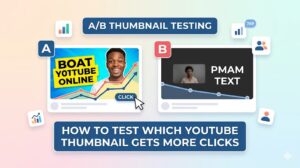
If multiple thumbnail tests exist, label final versions clearly.
Common Questions About Download Private YouTube Thumbnails
Can any public thumbnail tool access private videos?
No legitimate public tool should bypass private settings.
Can I save my own private video thumbnail?
Yes, if you are the owner, the best route is your original design file or approved channel assets.
What if I only need the image for reference?
Ask the owner first. Permission remains the safest option when trying to download private youtube thumbnails.
Can unlisted videos work with thumbnail tools?
Sometimes unlisted videos behave differently than private ones, depending on access and URL availability.
Conclusion
If you need to download private youtube thumbnails, the safest and most effective method is using content you own or obtaining permission from the creator. Public youtube thumbnail grabber tools may help with public videos, but private settings exist for a reason and should be respected. For public or authorized videos, thumbnailget.com offers a fast way to save thumbnails. Always choose legal, ethical access when you need to download private youtube thumbnails.